
Cloud Gaming in 2026: Is It Finally Ready?
273 views
The worst part of PC gaming isn't always the game.
Sometimes it's the 140 GB download. The launcher update. The shader compilation. The Windows laptop that sounds like a small aircraft five minutes after you press Play.
Then there's the other problem: you finally get into the game, and the image looks soft because your Wi-Fi decided to have a bad evening.
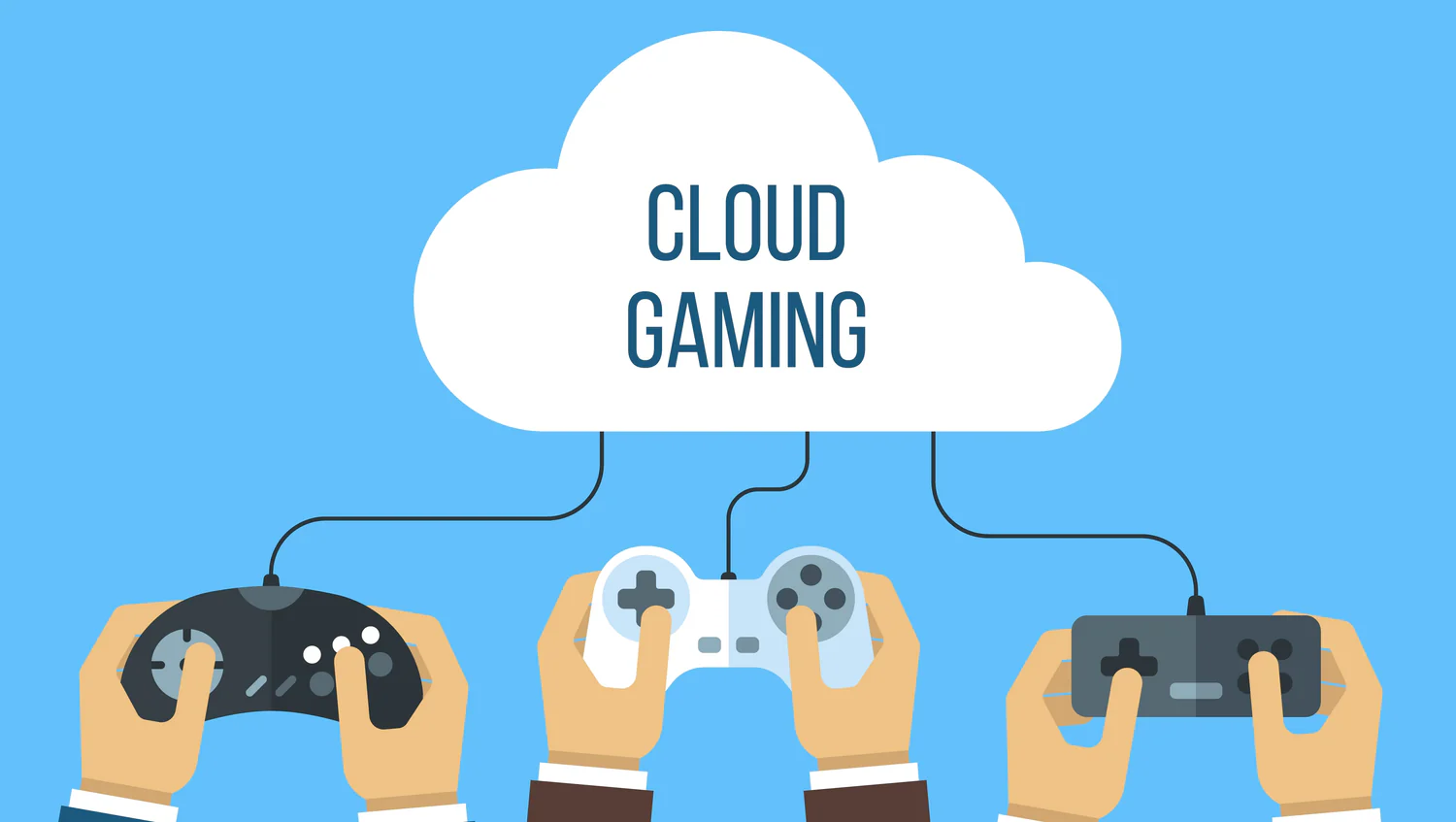
Cloud gaming promised to fix all of that years ago. The pitch sounded almost too clean: powerful hardware somewhere else, video streamed to whatever screen you already own, and no expensive gaming PC sitting under your desk.
For a long time, the reality was messier.
In 2026, though, the question has changed. Cloud gaming isn't trying to prove that it can work anymore. Services such as NVIDIA GeForce NOW and Xbox Cloud Gaming are mature enough to make the experience genuinely good under the right conditions. NVIDIA now offers RTX 50-series cloud hardware, while Xbox has pushed cloud streaming to consoles, browsers, phones, tablets, smart TVs and more.
So, is cloud gaming finally ready?
For some players, absolutely. For everyone, not quite.
The biggest change: cloud gaming feels less like a compromise
Early cloud gaming had an obvious tell.
You could feel it.
Controls seemed slightly delayed. Fine texture detail turned into mush during fast movement. A busy scene could trigger compression artifacts that made grass, foliage and particle effects look like they had been smeared with a wet brush.
Modern services have attacked those weaknesses from several directions at once: better GPUs, better video encoders, higher streaming bitrates, improved network routing and more capable client hardware.
NVIDIA's current GeForce NOW requirements are revealing. A 1080p/60 FPS stream calls for at least 25 Mbps, while 1440p/120 FPS requires 35 Mbps and 4K/120 FPS requires 45 Mbps. NVIDIA also recommends latency below 80 ms to its data center, with lower latency producing a better experience.
Those numbers matter more than your internet package's headline speed.
A 500 Mbps connection with 70 ms of latency and periodic packet loss can feel worse than a 100 Mbps connection with a clean, stable route to the cloud server.
That's the bit many first-time users miss.
GeForce NOW is now serious PC gaming hardware in the cloud
NVIDIA has arguably pushed the technical ceiling furthest with GeForce NOW.
Its current premium offering includes access to RTX 50-series server hardware, with NVIDIA advertising up to 5K/120 FPS and 360 FPS in supported scenarios. Ultimate also supports technologies such as DLSS 4, ray tracing and NVIDIA Reflex.
The pricing is no longer experimental, either. NVIDIA lists GeForce NOW Performance at $9.99 per month and Ultimate at $19.99 per month, with six-month pricing of $49.99 and $99.99 respectively.
That creates an interesting calculation.
If you already own games through Steam, Epic Games Store, GOG or Ubisoft Connect, GeForce NOW can act less like a traditional game subscription and more like a remote gaming PC. You bring the game license; NVIDIA supplies the hardware and streaming infrastructure.
That's a major distinction.
You aren't necessarily paying twice for the same library.
There are still wrinkles. Not every PC game is supported, and store-account synchronization can occasionally become the annoying part of the process. NVIDIA's own release notes have documented fixes for connection problems involving linked Ubisoft and Steam accounts.
And if you jump between services, remember that each ecosystem handles ownership differently.
Xbox Cloud Gaming wins on convenience
Xbox approaches the problem from another direction.
Instead of asking, "How do we let you stream your existing PC library?", Microsoft asks, "How quickly can we get you playing something from a large subscription catalog?"
The current Xbox Game Pass structure makes that particularly attractive. Xbox lists Essential at $9.99/month with 50+ games and unlimited cloud gaming, while Premium is $14.99/month with 200+ games. Ultimate adds the largest catalog, day-one releases and additional benefits.
Cloud gaming is also no longer confined to a browser window on a computer.
Supported devices include Xbox consoles, Windows PCs, Apple and Android mobile devices, selected smart TVs, Amazon Fire TV and selected Meta Quest headsets. Xbox recommends at least a 10 Mbps connection, with 20 Mbps potentially needed for the best quality on some devices.
And there's been a noticeable quality jump.
In February 2026, Xbox announced 1440p streaming and higher-bitrate streaming for Xbox Series X|S, Xbox One X and Xbox One S consoles for Game Pass Ultimate members.
That sounds like a small resolution upgrade.
It isn't.
Higher bitrate can preserve much more detail in foliage, dark scenes, explosions and rapid camera movement. Resolution tells you how many pixels are being delivered; bitrate helps determine how convincingly those pixels survive compression.
Your Wi-Fi router matters more than people think
Here's the practical test I'd use before paying for a cloud gaming subscription:
Connect the gaming device to Ethernet if possible.
If you're using Wi-Fi, prefer 5 GHz rather than a congested 2.4 GHz network.
Run a latency and packet-loss test at the same time of day you normally game.
Test from the actual device you'll use—not your phone while standing beside the router.
NVIDIA specifically recommends Ethernet or 5 GHz Wi-Fi and a connection with less than 80 ms latency to its data center.
One easy mistake is putting a gaming laptop in a bedroom, connecting it to a weak mesh node, and then blaming the cloud service.
The router may be the culprit.
A wired connection can also eliminate an entire category of random problems: wireless interference, roaming between access points and sudden latency spikes when somebody starts downloading a large file.
The hidden cost isn't the subscription
Cloud gaming's biggest advantage is obvious: you don't have to buy a powerful gaming PC.
But there are other costs.
You still need a decent display, controller or keyboard and mouse, reliable internet and—depending on the service—the games themselves.
Then there's bandwidth.
Suppose a household streams video, runs cloud backups, downloads games and has several phones connected simultaneously. Your connection might technically exceed the required Mbps figure, but congestion can introduce jitter and packet loss at exactly the wrong moment.
Competitive shooters expose this immediately.
A single-player RPG is more forgiving.
That's why "Is cloud gaming ready?" has no universal answer. Genre matters.
Competitive gaming is still the hardest test
Cloud gaming can feel remarkably close to local hardware.
"Identical" is another matter.
Every action still travels from your controller or mouse to the cloud server, gets processed by the game, gets rendered, encoded into a video stream and sent back to your screen.
That pipeline is extraordinarily fast now. It isn't magic.
For a slow-paced strategy game, simulation, RPG or adventure title, the difference may be insignificant. For a competitive shooter where a few milliseconds can influence a duel, local rendering remains the safer choice.
NVIDIA has built Reflex and other latency-reduction technologies into GeForce NOW's higher tiers, and the company has reported click-to-pixel latency below 40 ms in specific configurations.
That's impressive.
It still doesn't turn a distant server into a computer sitting beside your monitor.
The weirdly good use case: old hardware
Here's where cloud gaming gets genuinely interesting.
You don't need to replace a perfectly functional laptop just because its integrated graphics can't run a new AAA release.
GeForce NOW supports Windows, macOS, ChromeOS, Linux in beta, Android, iOS/iPadOS, selected TVs and gaming handhelds including Steam Deck, ASUS ROG Ally, Lenovo Legion Go and MSI Claw.
That opens up some wonderfully practical setups.
A MacBook that isn't designed for modern Windows PC games can become a streaming client. A Steam Deck can access higher-end cloud hardware. An inexpensive living-room device can become a gaming terminal.
The local machine doesn't need to render the game.
It mostly needs to decode the video stream and keep the controls responsive.
What still isn't fixed in 2026?
Three things.
Availability. A service may support a game in one region but not another, and catalogs change. Xbox explicitly warns that cloud libraries, titles and features vary by region, plan and platform.
Network quality. A perfect fiber connection doesn't guarantee a perfect route to the relevant data center.
Ownership and compatibility. Buying a game doesn't automatically mean every cloud provider can stream it. GeForce NOW's model is powerful precisely because it connects to supported PC storefronts, but the word supported matters.
There are also occasional practical annoyances: account authentication, controller compatibility, browser quirks and service queues.
Premium tiers reduce some waiting. They don't eliminate every variable.
So, should you switch to cloud gaming?
Use this quick rule.
Your situation | Cloud gaming verdict |
|---|---|
You own an old laptop but have fast, stable internet | Excellent fit |
You mostly play RPGs, strategy or single-player games | Very good fit |
You want Game Pass games without large downloads | Excellent fit |
You already own a large Steam library | GeForce NOW is worth testing |
You play competitive shooters seriously | Keep local hardware if possible |
Your Wi-Fi regularly spikes or drops | Fix the network first |
You have unreliable or capped internet | Probably not worth it |
The smart approach isn't to sell your gaming PC tomorrow.
Try a month.
Use Ethernet. Pick a demanding game. Test it at the time your household network is busiest. Move the client from your desktop to your TV or handheld. Try 1080p first, then increase quality.
If the experience disappears into the background, you've learned something important.
Cloud gaming has done its job.
FAQ
Is cloud gaming good enough in 2026?
Yes, under good network conditions. High-end services now deliver 1080p, 1440p, 4K and high-refresh-rate streaming, with NVIDIA offering RTX 50-series cloud hardware on Ultimate.
Does cloud gaming need fast internet?
It needs stable internet more than an enormous headline speed. GeForce NOW lists 25 Mbps for 1080p/60 and 45 Mbps for 4K/120, while Xbox recommends at least 10 Mbps and suggests 20 Mbps for the best quality on some devices.
Is GeForce NOW better than Xbox Cloud Gaming?
Neither wins universally. GeForce NOW is particularly compelling if you already own supported PC games. Xbox Cloud Gaming is stronger for subscribers who want a large Game Pass catalog and simple access across many devices.
Can cloud gaming replace a gaming PC?
For some people, yes. For enthusiasts chasing maximum image quality, competitive latency, extensive modding or complete control over game settings, a local PC remains preferable.
Is cloud gaming worth paying for?
If it saves you from buying a new GPU, waiting for huge downloads or maintaining a gaming desktop, the subscription can make financial sense. Test your actual network before committing long-term.
The 2026 verdict
Cloud gaming finally feels less like a technological demonstration and more like a normal way to play.
That distinction matters.
The hardware is powerful enough. The streaming resolutions are high enough. The client support is broad enough. Xbox and NVIDIA are both investing in better quality instead of merely keeping the lights on.
But the cloud hasn't abolished physics.
Distance still matters. Network congestion still matters. A bad Wi-Fi connection can still ruin an otherwise excellent setup.
So don't ask whether cloud gaming has finally arrived as though there's a single finish line.
Test your connection. Pick the service that matches your library. Start at 1080p. If it works beautifully, push the resolution and frame rate higher.
The best cloud gaming setup in 2026 isn't the one with the biggest specifications. It's the one you stop noticing while you're playing.
cloud gaming
game streaming
gaming technology
cloud gaming platforms
future gaming
streaming games
Found this helpful? Share it!