
NVIDIA DLSS 4.5 Guide – AI Gaming Performance Boost Explained
755 views
You enable every graphics setting, crank ray tracing to the ceiling, and then watch your shiny new GPU struggle to hold the frame rate you expected.
That’s the annoying part of modern PC gaming.
NVIDIA DLSS 4.5 is designed to attack that problem from several directions at once. It can reconstruct a higher-resolution image from a lower-resolution render, generate additional frames with AI, improve ray-traced reconstruction, and—on GeForce RTX 50 Series hardware—dynamically adjust how many frames it generates.
The result can be dramatic. But DLSS 4.5 isn't simply a magic “FPS +100%” switch. Different DLSS features work on different RTX generations, generated frames aren't equivalent to traditionally rendered frames, and some settings make far more sense at 4K than they do at 1080p.
Here’s the practical guide.
What actually changed with DLSS 4.5?
DLSS, short for Deep Learning Super Sampling, has evolved considerably since its first versions. The big shift with DLSS 4 was NVIDIA's move toward transformer-based AI models for Super Resolution, Ray Reconstruction, and DLAA.
DLSS 4.5 pushes that architecture further.
Its second-generation transformer model uses five times the compute of the first-generation transformer and was trained with a significantly expanded high-fidelity dataset. NVIDIA says the model has improved scene understanding, temporal stability, anti-aliasing, lighting detail, and motion clarity.
Then there’s the RTX 50 Series-only side of the story: Dynamic Multi Frame Generation and 6X Multi Frame Generation.
The distinction matters.
DLSS 4.5 is a family of technologies, not one single performance mode.
The feature map
DLSS 4.5 feature | RTX 20/30 | RTX 40 | RTX 50 |
|---|---|---|---|
DLSS Super Resolution | Yes | Yes | Yes |
DLAA | Yes | Yes | Yes |
Ray Reconstruction | Yes | Yes | Yes |
Frame Generation | No | Yes | Yes |
Multi Frame Generation | No | No | Yes |
Dynamic Multi Frame Generation | No | No | Yes |
6X Multi Frame Generation | No | No | Yes |
NVIDIA's current hardware matrix confirms that Super Resolution, DLAA, and Ray Reconstruction remain available across GeForce RTX generations, while Frame Generation starts with RTX 40 and Multi Frame Generation is exclusive to RTX 50.
So an RTX 4070 owner isn't getting the same DLSS 4.5 feature set as someone using an RTX 5070 or RTX 5090.
That’s easy to miss.
DLSS Super Resolution is the part almost everyone can use
Super Resolution is the foundation.
Instead of rendering every pixel at your monitor's output resolution, the game renders internally at a lower resolution. DLSS then uses AI, motion information, previous-frame data, and the game's rendering information to reconstruct the final image.
At 4K, this can be a huge performance lever.
A game targeting 3840 × 2160 doesn't necessarily need to shade all 8.29 million output pixels directly. DLSS Performance mode, for example, uses a substantially lower internal resolution and reconstructs the 4K result.
The trick is that you're not simply stretching a smaller image.
DLSS analyzes temporal information and motion vectors, giving the neural model much more information than ordinary image scaling. That's why a well-implemented DLSS image can look surprisingly close to native rendering while requiring considerably less rendering work. NVIDIA's earlier DLSS documentation describes the same fundamental approach: lower-resolution rendering combined with temporal feedback and AI reconstruction.
DLSS 4.5's second-generation transformer makes this process more sophisticated.
NVIDIA says Performance mode can now approach—or sometimes exceed—the perceived image quality of native rendering in certain scenarios, while Ultra Performance becomes more practical for demanding 4K workloads.
Don't take that as a promise that every game will look better than native.
Implementation matters. Game engine. Motion vectors. UI handling. Fine foliage. Fast camera movement.
Those details still matter.
Why the new transformer model matters in actual gameplay
Older temporal reconstruction techniques can produce familiar artifacts: shimmering foliage, ghost trails behind moving objects, unstable thin geometry, or crawling detail on fences and wires.
You may have seen it without knowing what caused it.
A character walks past a bright light. Vegetation moves in the wind. A weapon swings rapidly across the screen. The image looks fine while standing still, then falls apart during movement.
DLSS 4.5's second-generation transformer is intended to improve exactly these temporal situations. NVIDIA reports better temporal stability, anti-aliasing, lighting detail, and motion clarity, with the model using substantially more compute than its predecessor.
That makes DLSS 4.5 particularly interesting for demanding games with ray tracing or path tracing.
And there's another useful detail: NVIDIA's DLSS overrides can update supported games through the NVIDIA app even when the game's developer hasn't yet integrated the newest model directly.
As of the January 2026 rollout, NVIDIA said DLSS 4.5 Super Resolution overrides were available across more than 400 games and applications.
Multi Frame Generation is where RTX 50 gets unusual
Traditional rendering produces a sequence of genuinely rendered frames.
Frame Generation inserts AI-generated frames between them.
Multi Frame Generation takes that idea further.
On RTX 50 Series GPUs, DLSS 4 introduced up to 4X Multi Frame Generation: one traditionally rendered frame followed by generated frames. DLSS 4.5 raises the ceiling to 6X, meaning as many as five additional frames can be generated for every traditionally rendered frame.
That sounds almost absurd on paper.
The important distinction is what the extra frames represent.
They improve displayed smoothness. They don't mean the game's CPU simulation suddenly became six times faster. Your game isn't processing six times as much gameplay logic because the monitor is receiving more images.
That's why base performance still matters.
If a game is genuinely struggling at 25 FPS because the CPU is overloaded, throwing Multi Frame Generation at it isn't going to turn the underlying game simulation into a responsive 150-FPS experience.
A healthier starting point is much better.
What makes Dynamic Multi Frame Generation different?
Fixed Multi Frame Generation uses a chosen multiplier.
Dynamic Multi Frame Generation is adaptive.
On an RTX 50 Series GPU, DLSS 4.5 can monitor the gap between rendered performance and the display target, then change the frame-generation multiplier to produce only as many generated frames as necessary to approach the selected refresh-rate target.
Imagine a 240Hz monitor.
A demanding scene might need more generated frames to keep the display filled. Then you enter a corridor with less GPU load. Dynamic MFG can reduce the multiplier rather than continuing to spend GPU resources generating frames you don't need.
It's a sensible idea.
The NVIDIA app exposes the feature through Graphics → DLSS Override - Frame Generation Mode → Dynamic. You can select Max refresh rate or choose a custom target. NVIDIA currently notes that Dynamic mode isn't compatible with frame-rate limiters or V-Sync.
That last detail is the sort of thing you'll only discover after wondering why the setting isn't behaving as expected.
6X sounds huge. Is it actually useful?
Sometimes, absolutely.
NVIDIA reports that moving from 4X to 6X Multi Frame Generation can increase 4K frame rates by up to 35% in path-traced titles on RTX 50 Series GPUs.
Path tracing is where the technology makes the most intuitive sense.
Games such as Cyberpunk 2077 can become extraordinarily demanding when heavy ray-traced effects are enabled at 4K. The GPU has to perform enormous amounts of lighting and ray-tracing work. DLSS Super Resolution reduces the amount of native rendering required, while Frame Generation adds displayed frames on top.
At that point, 6X isn't merely chasing an arbitrary benchmark number. It's helping a very expensive rendering workload drive high-refresh displays.
For a 60Hz monitor, the value proposition is less dramatic.
For 240Hz or 360Hz?
Now we're talking.
Don't forget NVIDIA Reflex
Frame Generation and latency are closely connected.
Generated frames increase the number of images shown on the display, but they don't magically reduce the time between your mouse movement and the game's underlying simulation. NVIDIA Reflex is designed to reduce PC latency by improving CPU/GPU synchronization and minimizing unnecessary render queuing.
That's why DLSS Frame Generation is normally best paired with Reflex when a game supports it.
NVIDIA specifically highlights Reflex alongside DLSS 4.5 Multi Frame Generation, saying the combination can generate additional frames with minimal impact on responsiveness.
For a single-player adventure game, a little latency may be tolerable.
For a competitive shooter, it becomes much more noticeable.
Don't judge DLSS by the FPS counter alone.
Ray Reconstruction gets a DLSS 4.5 upgrade too
There’s another part of the DLSS family that deserves more attention: Ray Reconstruction.
Ray-traced images contain noise because real-time games cannot fire enough rays to perfectly sample every pixel. Traditional denoisers clean up that noisy information, but they can also remove useful detail.
Ray Reconstruction uses AI instead.
NVIDIA describes DLSS Ray Reconstruction as a neural rendering technique that replaces traditional hand-tuned denoisers and reconstructs higher-quality pixels in noisy ray-traced regions. Its DLSS 4.5 update brings a second-generation transformer model to the feature.
And unlike Multi Frame Generation, Ray Reconstruction isn't locked to RTX 50.
RTX 20, 30, 40, and 50 Series GPUs support it.
That makes this one of the more interesting upgrades for older RTX cards.
How to enable DLSS 4.5 without making a mess
Start with the latest NVIDIA app and a current GeForce Game Ready driver.
NVIDIA states that the complete DLSS 4.5 feature set requires GeForce Game Ready Driver 595.97 WHQL or newer.
Then use this practical order:
Enable DLSS Super Resolution first.
Start with Quality at 1440p or 4K.
Use Performance when 4K GPU load remains excessive.
Enable Ray Reconstruction when the game supports it alongside ray tracing.
On RTX 40, test Frame Generation with Reflex.
On RTX 50, test Multi Frame Generation and then Dynamic MFG.
Compare actual gameplay, not just the benchmark overlay.
For a 4K RTX 5090 system, I'd be far more comfortable experimenting with Performance + Multi Frame Generation in a heavily path-traced title than I would be using Ultra Performance simply because the FPS counter looks impressive.
Image quality still gets a vote.
The NVIDIA app can override older game implementations
This is one of DLSS 4.5's more practical features.
The NVIDIA app can apply DLSS overrides for supported games, including updated Super Resolution models and Frame Generation behavior. NVIDIA has also used overrides to expose newer transformer models and other DLSS features without requiring every game to receive a complete engine-side update immediately.
That doesn't mean every old title suddenly becomes fully DLSS 4.5-native.
It doesn't.
Think of an override as an upgrade to the compatible DLSS component rather than a replacement for the game's entire rendering pipeline.
If a particular game suddenly looks worse after changing an override, revert it. Keep your own before-and-after screenshots. Five minutes of testing beats an evening of guessing.
The biggest mistake: chasing the highest FPS number
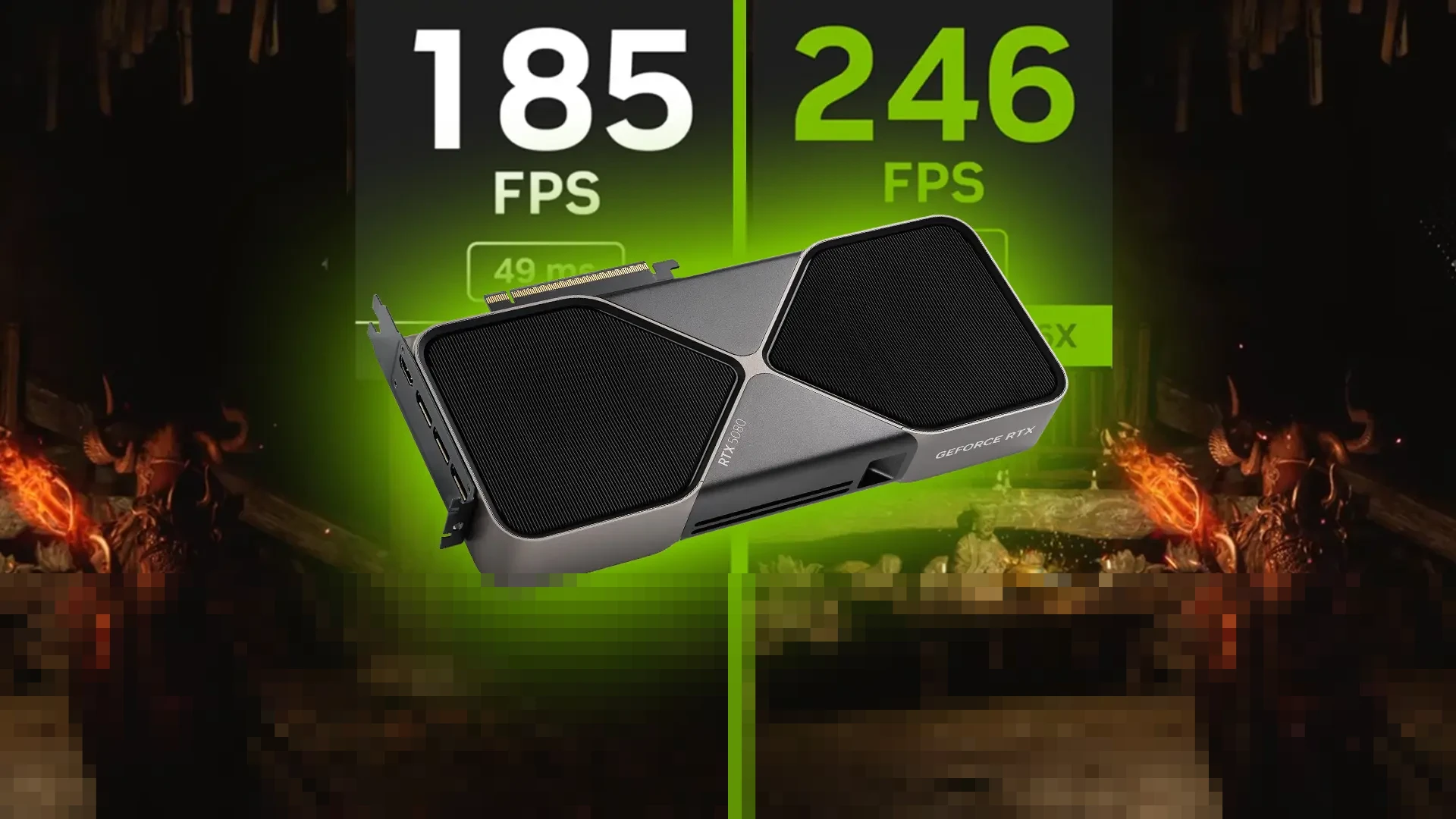
A screenshot showing 300 FPS looks impressive.
It doesn't tell you enough.
If the base rendered frame rate is low, generated frames are filling in motion between relatively sparse traditionally rendered frames. Visual smoothness can improve enormously, but responsiveness still depends heavily on the underlying rendered performance and latency pipeline.
That's why DLSS 4.5 works best as a stack:
Lower-cost rendering → Super Resolution → ray-tracing reconstruction where appropriate → Frame Generation/Multi Frame Generation → Reflex → high-refresh display.
Each piece addresses a different bottleneck.
Remove one, and the result can change.
DLSS 4.5 FAQs
Does DLSS 4.5 work on RTX 30 Series GPUs?
Yes. RTX 30 Series cards support DLSS Super Resolution, DLAA, and Ray Reconstruction, including the newer transformer-based image-quality improvements. They do not support Frame Generation or Multi Frame Generation.
Is DLSS 4.5 only for RTX 50 Series?
No. The second-generation DLSS Super Resolution transformer is available across GeForce RTX generations. Dynamic Multi Frame Generation and 6X Multi Frame Generation, however, require RTX 50 Series hardware.
Does 6X mean six real rendered frames?
No. It means one traditionally rendered frame can be followed by up to five AI-generated frames. The game engine isn't performing six complete traditional renders.
Should I use DLSS Quality or Performance?
At 1440p, Quality is generally the sensible first test. At 4K, Performance can make more sense when GPU load is high, particularly with demanding ray tracing or path tracing. The right choice depends on the specific game and your display.
Does DLSS 4.5 increase input latency?
Frame Generation adds processing to the rendering pipeline, but NVIDIA pairs its newer Frame Generation technologies with Reflex to manage latency. The experience depends on the game's implementation, base frame rate, CPU load, GPU load, and display configuration.
The practical takeaway for PC gamers
DLSS 4.5 isn't one button that makes every game faster.
It's more interesting than that.
On RTX 20/30/40 cards, the second-generation transformer can improve the quality of reconstructed frames, while Ray Reconstruction can clean up demanding ray-traced scenes. RTX 40 adds Frame Generation. RTX 50 goes much further with Multi Frame Generation, 6X mode, and Dynamic MFG.
If you've got an RTX 50 Series GPU and a 240Hz or 360Hz monitor, Dynamic Multi Frame Generation is worth testing first in demanding, GPU-heavy games. If you're on an RTX 30 or 40, don't assume you're left behind—the Super Resolution and Ray Reconstruction upgrades are arguably the more useful part of DLSS 4.5 for those systems.
And before changing ten settings at once, change one.
Run the same scene. Watch the motion. Check latency. Look at foliage, wires, reflections, UI text, and distant detail.
Then decide.
That little bit of testing will tell you far more about your PC than a giant FPS number ever could.
NVIDIA DLSS 4.5
DLSS 4.5 guide
AI gaming performance
NVIDIA gaming technology
DLSS FPS boost
Found this helpful? Share it!